
A complete AI creative suite in your pocket. Generate images, swap faces, lip-sync presenters, add lifelike voice-overs, upscale your media — and let the AI Director turn a single prompt into a finished video. Everything runs privately, on your device.
AI Content Lab is rolling out on Android through Google Play's testing track. Get it on your phone before the public launch — just three quick steps.
Open our Google Group and tap Join group. Google requires this before it lets you into the test.
Join the Google Group →Open the opt-in link on your phone and tap Become a tester to accept the invite.
Opt in to testing →Once you're opted in, install AI Content Lab straight from the Play Store and start making.
Get it on Google Play →On iPhone? The App Store release is in review — grab it from the App Store button above once it's live.
Professional-grade AI tools, designed to be genuinely simple to use.
Turn text prompts into striking images with an on-device Stable Diffusion engine — portraits, scenes, concepts and more, sized for any aspect ratio.
Swap faces in photos and videos with automatic detection, multi-face mapping and optional neural enhancement for crisp, natural results.
Bring a portrait or video to life — sync any face to your narration audio for talking-head clips and presenters.
Natural-sounding text-to-speech with multiple voices and adjustable pace and pitch — perfect for narration and voice-overs.
Enhance and super-resolve images and video with Real-ESRGAN — recover detail and sharpen low-resolution media.
Apply customizable makeup and beauty layers to photos and video with precise, face-aware blending.
Describe the video you want in one prompt. The on-device planner drafts the scenes, voice and shots — you review the plan, then it's generated locally.
Trim, arrange and assemble clips, add text overlays and export — a lightweight editor to finish your creations.
Everything you make is organized in an in-app gallery and saved projects, ready to revisit, revise or share.
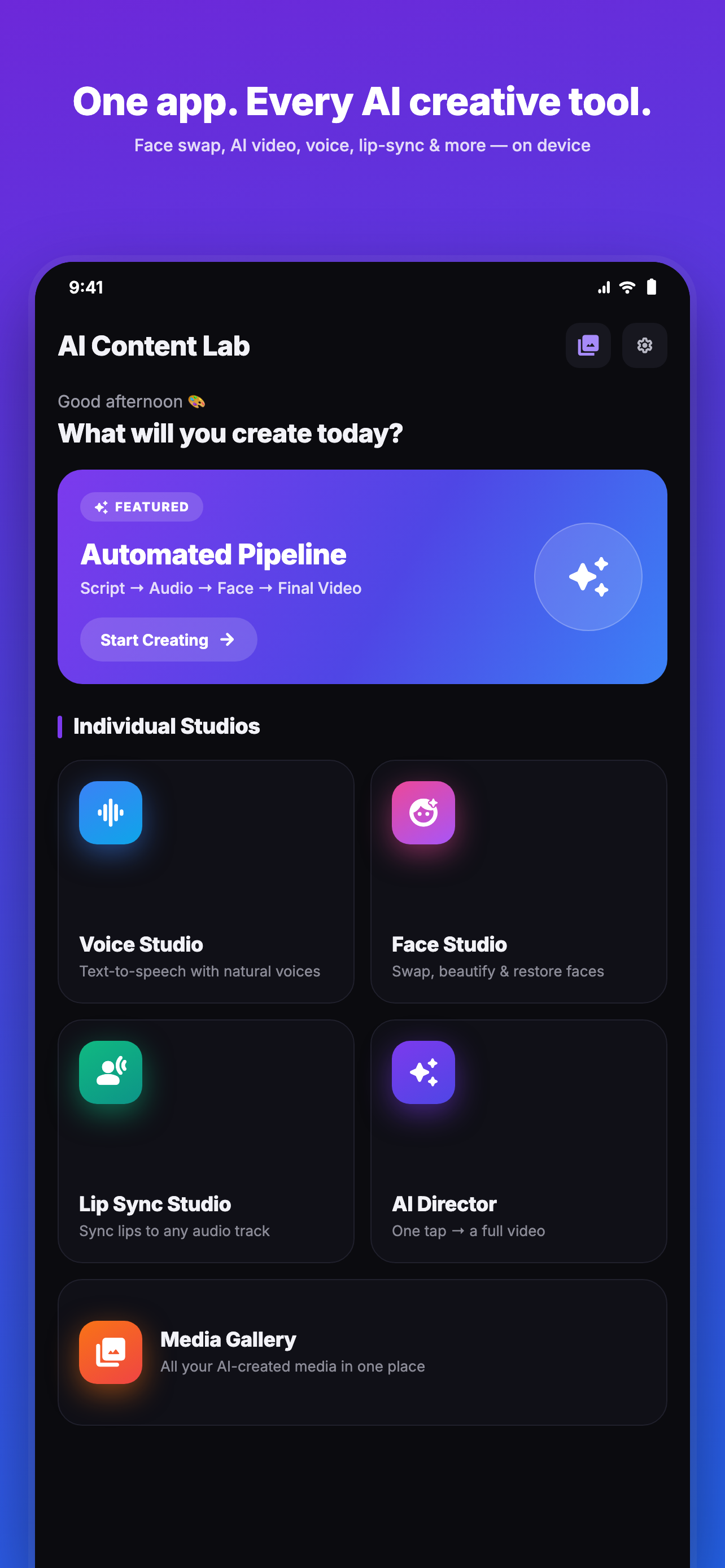
One app, every AI tool
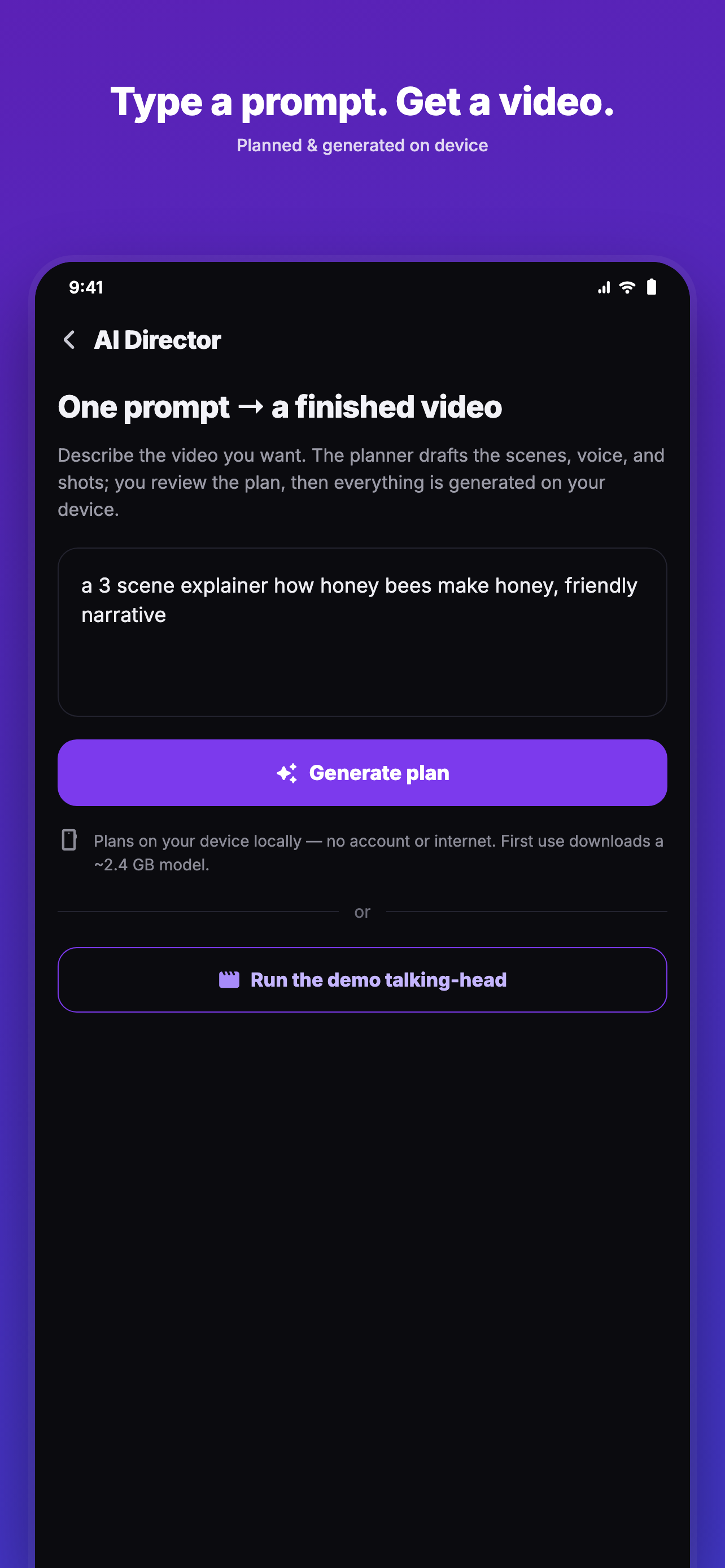
Type a prompt. Get a video.
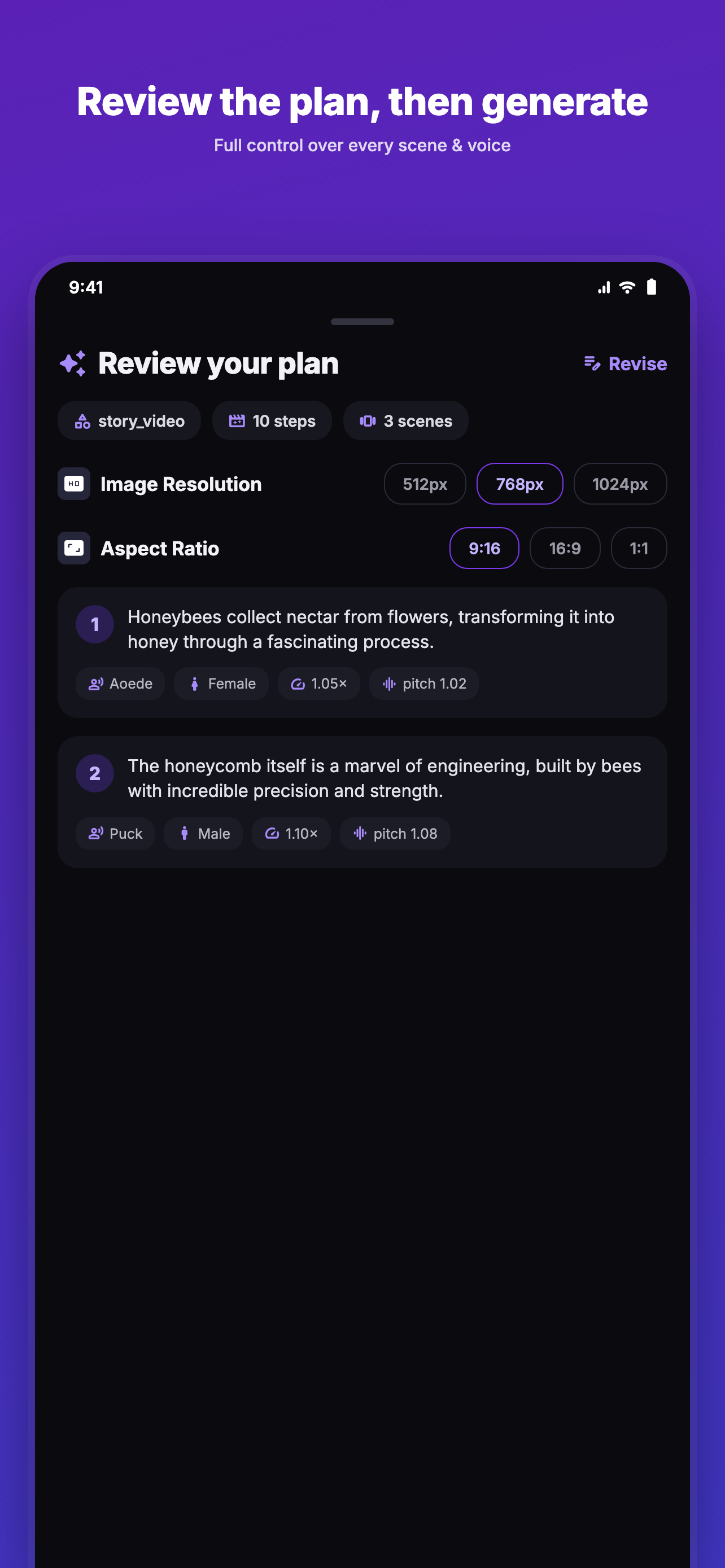
Review the plan, then generate
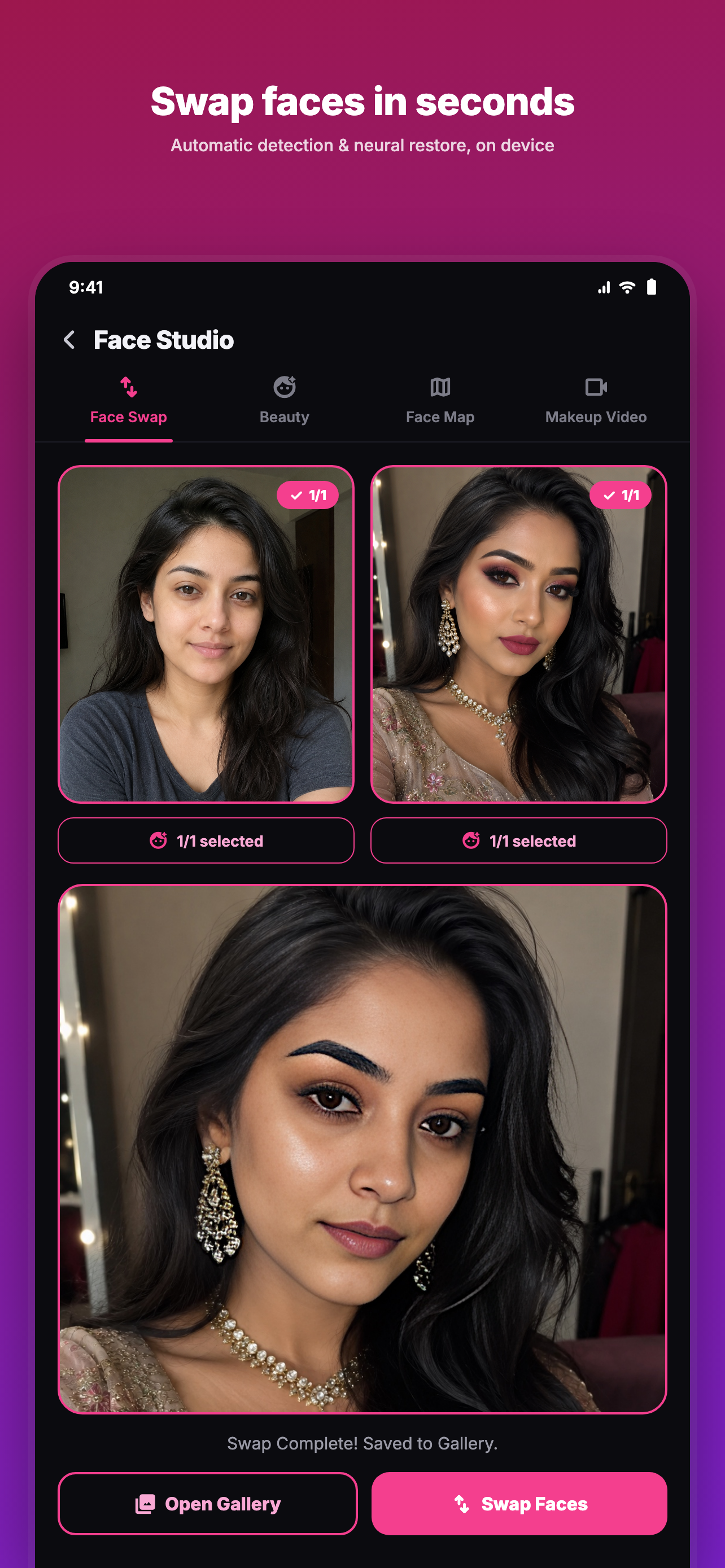
Swap faces in seconds
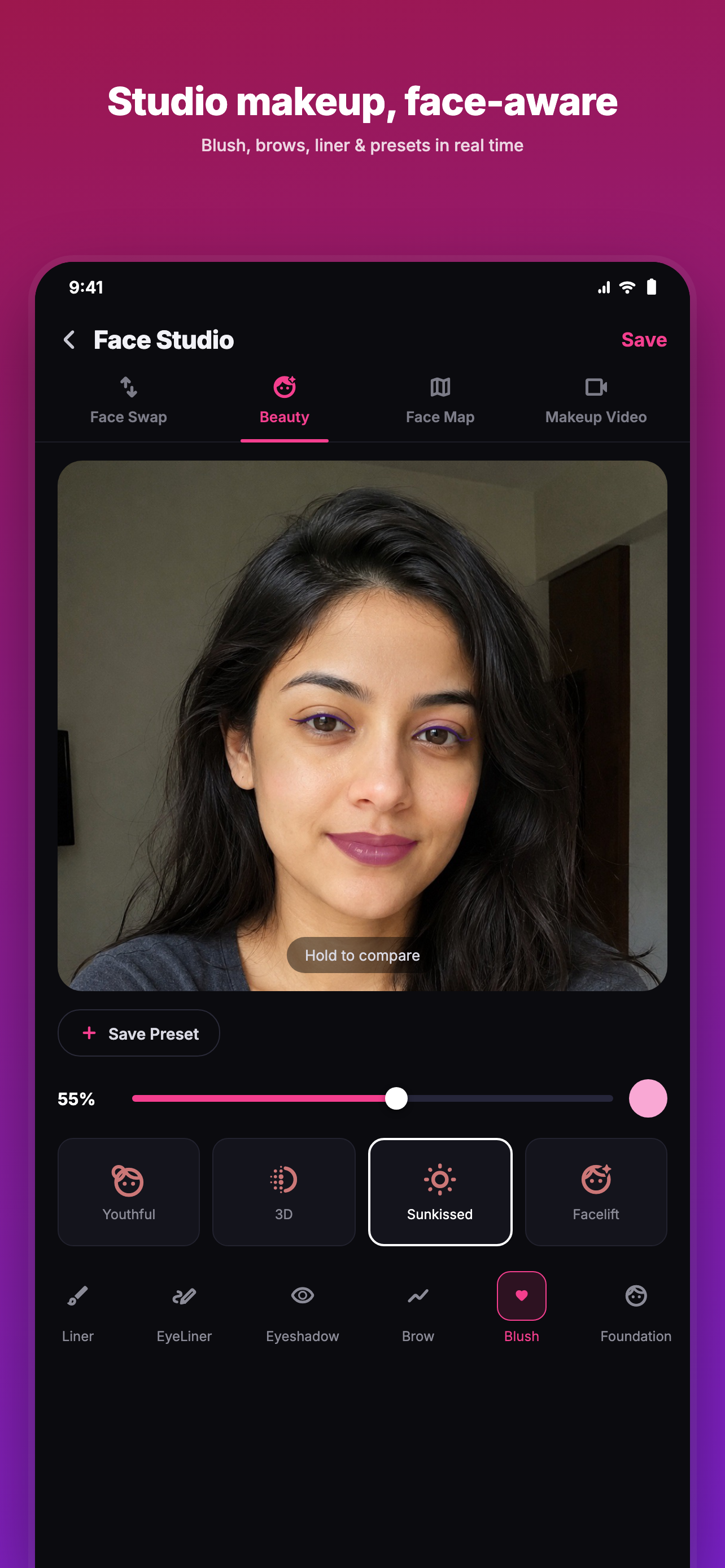
Studio makeup, face-aware
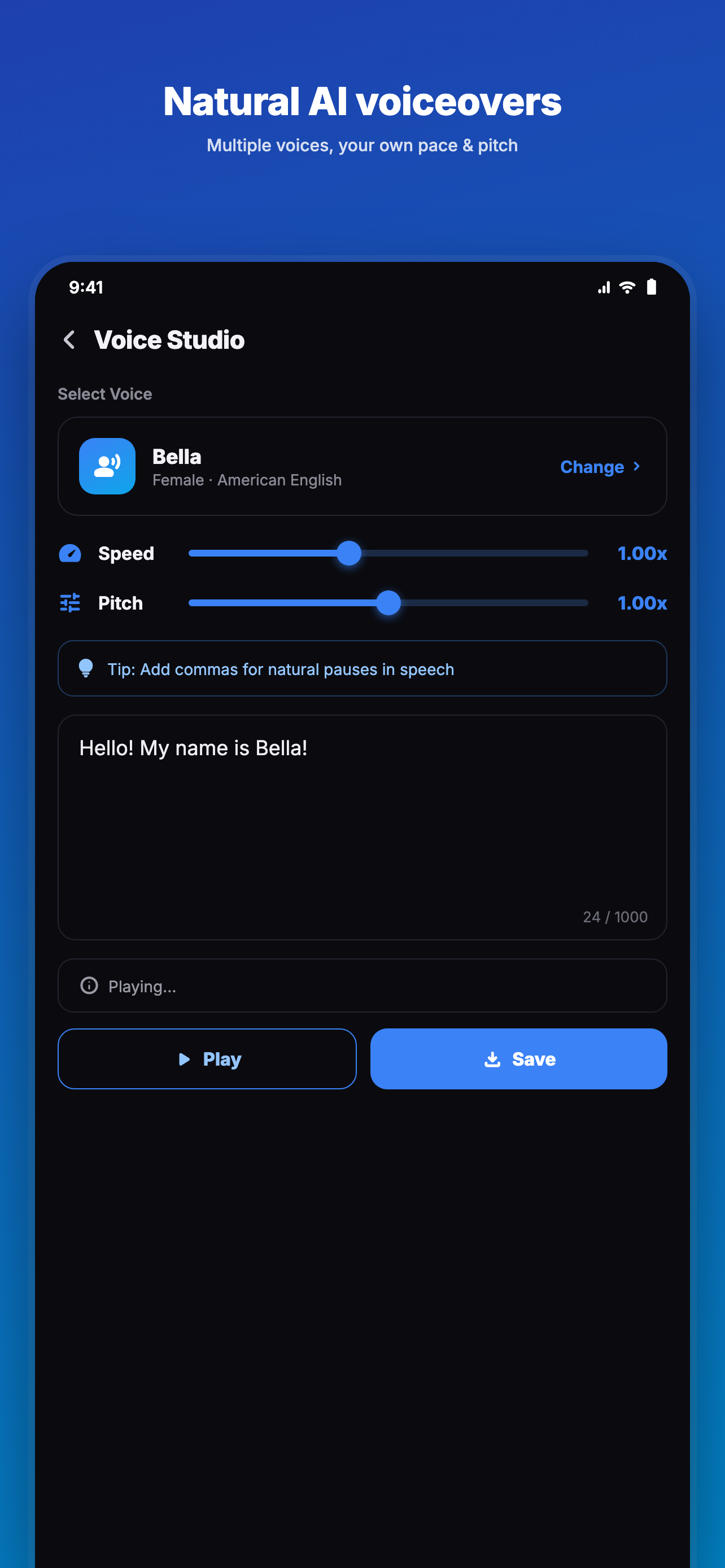
Natural AI voiceovers
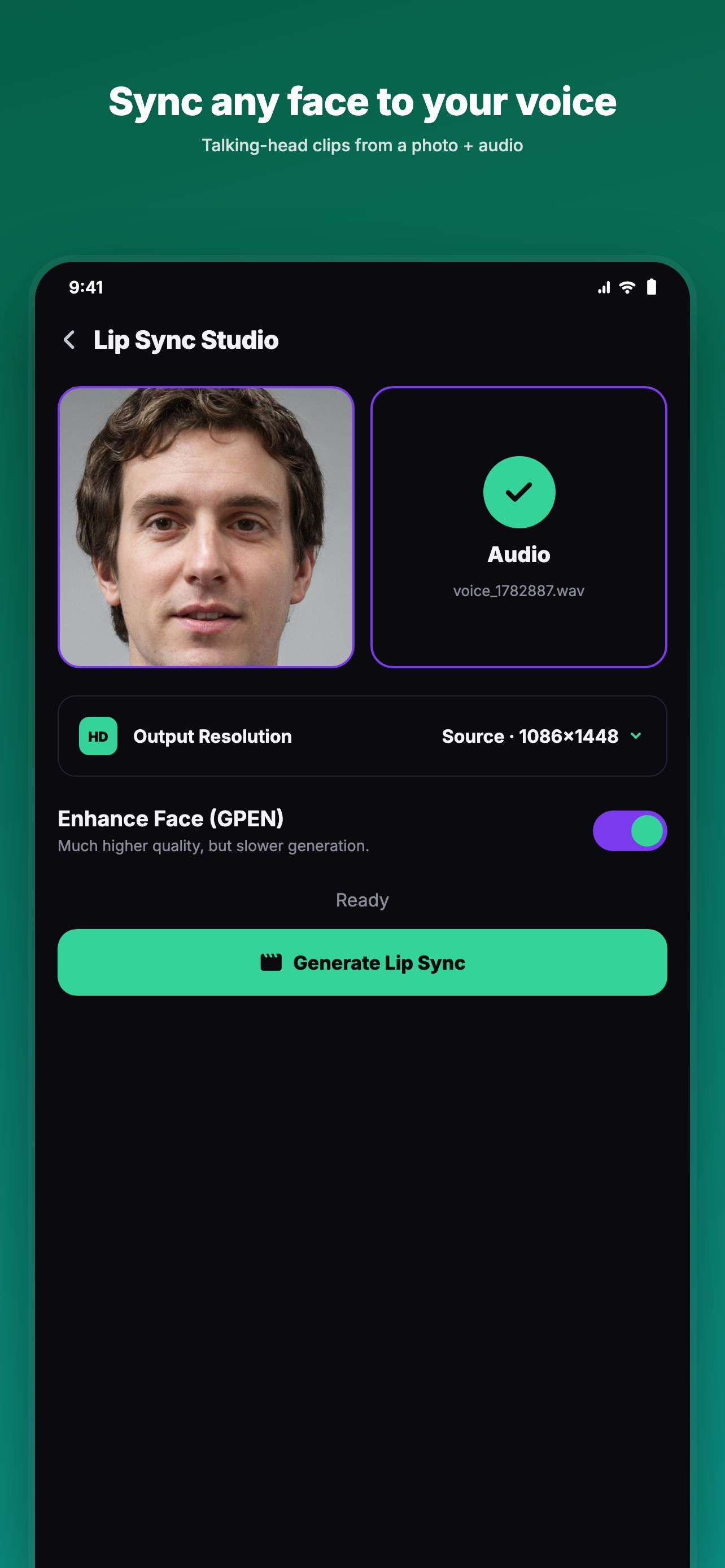
Sync any face to your voice
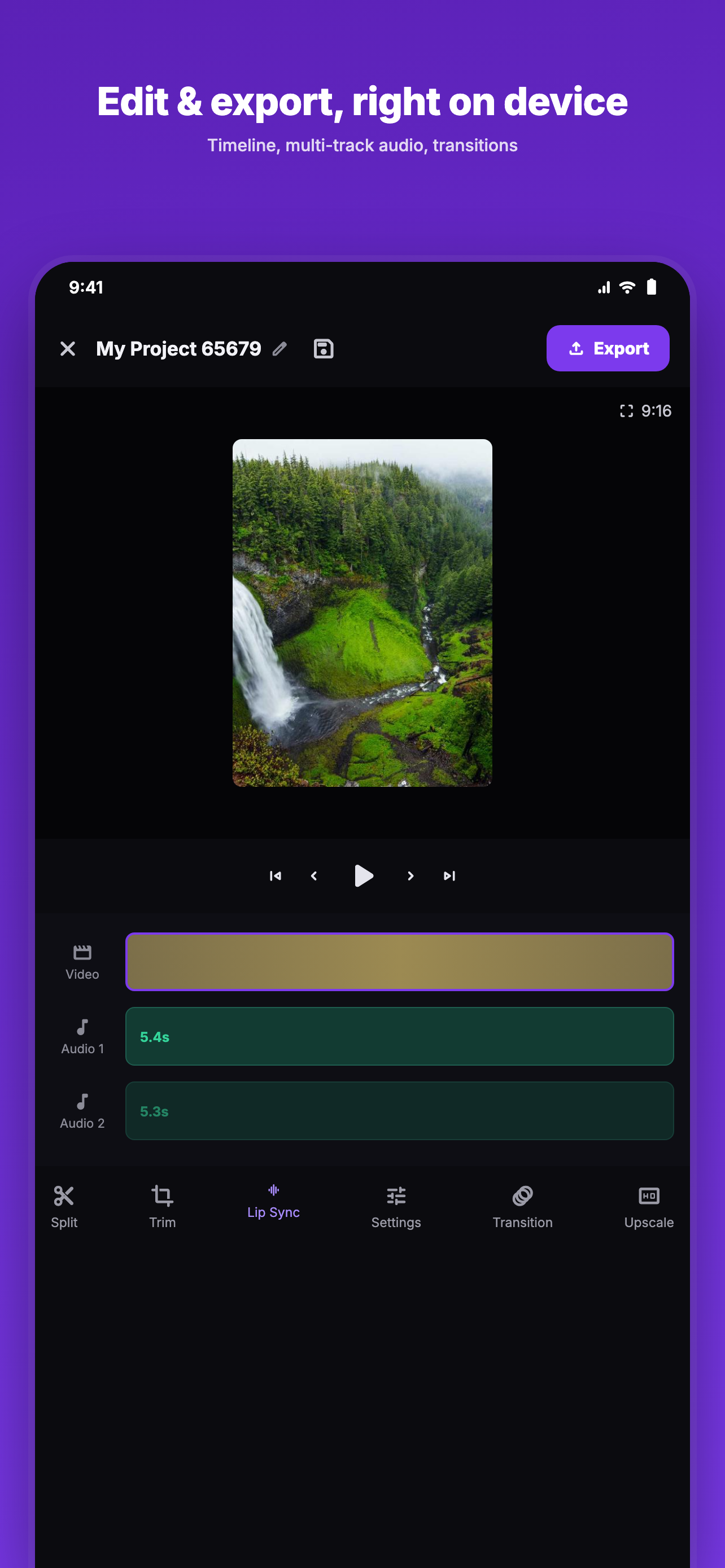
Edit & export, on device
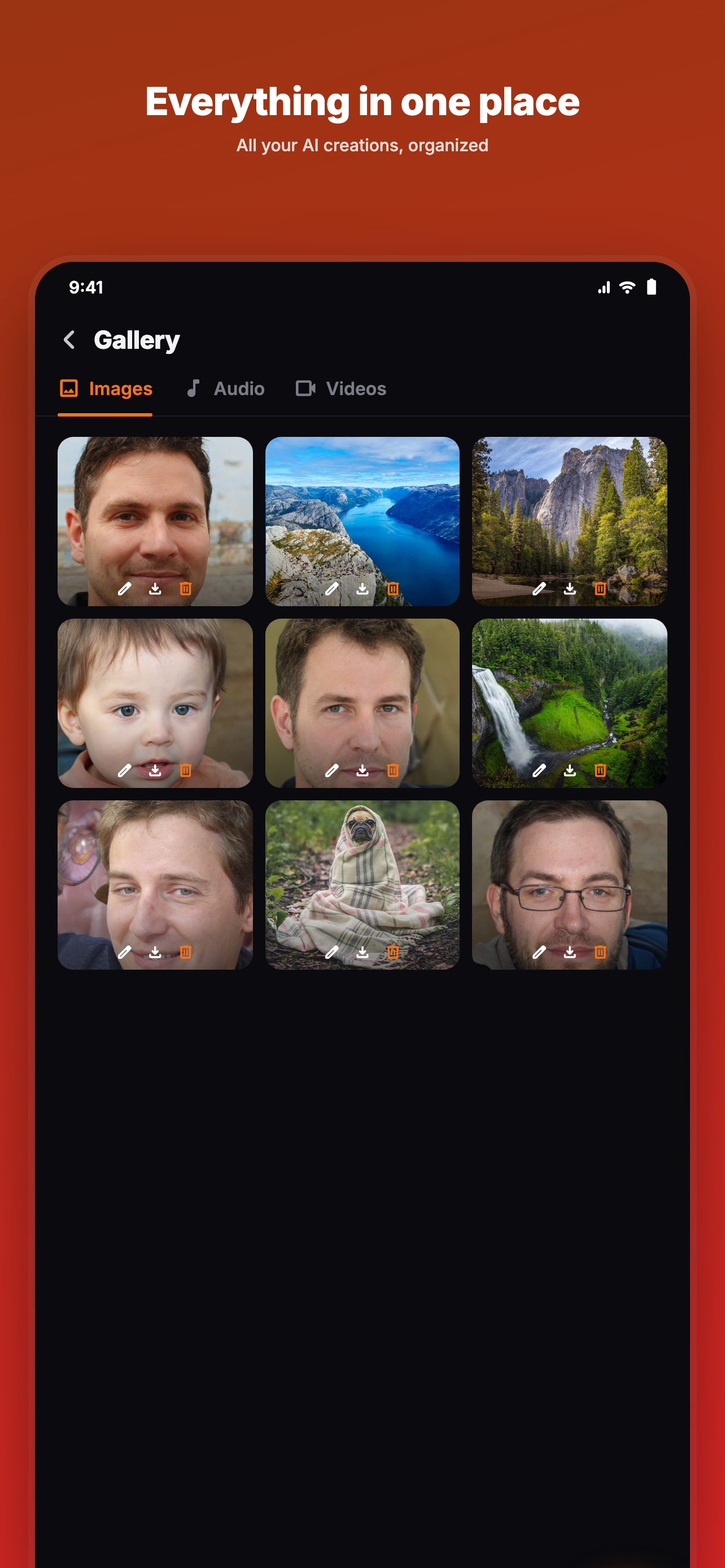
Everything in one place
AI Content Lab checks your device on launch and tailors each tool accordingly:
The AI models run directly on your device using its CPU and GPU. Your photos, faces and voice recordings are processed locally — they're not uploaded to a server to generate your results.
Because the AI runs on your device, AI Content Lab needs a reasonably capable phone. The app checks this for you and only offers what your device can handle.
AI Content Lab includes built-in safeguards and a clear content policy. You agree to use the AI tools lawfully and respectfully — and to only use photos, faces and voices you own or have permission to use.
Found something objectionable? You can report it any time from Settings → Report a problem.
No. The AI models run on your device, so your photos, faces and voice are processed locally to create your results — they aren't uploaded to a server to be generated.
No account is required to create. Just install the app and start making.
The AI models (for image generation, face swap, voice and more) are downloaded once so everything can run on-device and offline afterward.
Only to download models and updates, and for optional ads. The creative tools work offline once models are installed.
Running AI locally needs enough memory and a capable GPU. If your device falls short, the app tells you which steps it can't run rather than crashing or taking hours.
AI Content Lab is free to use and supported by ads. You're always in control of your content.
Available now on Google Play and the App Store.
